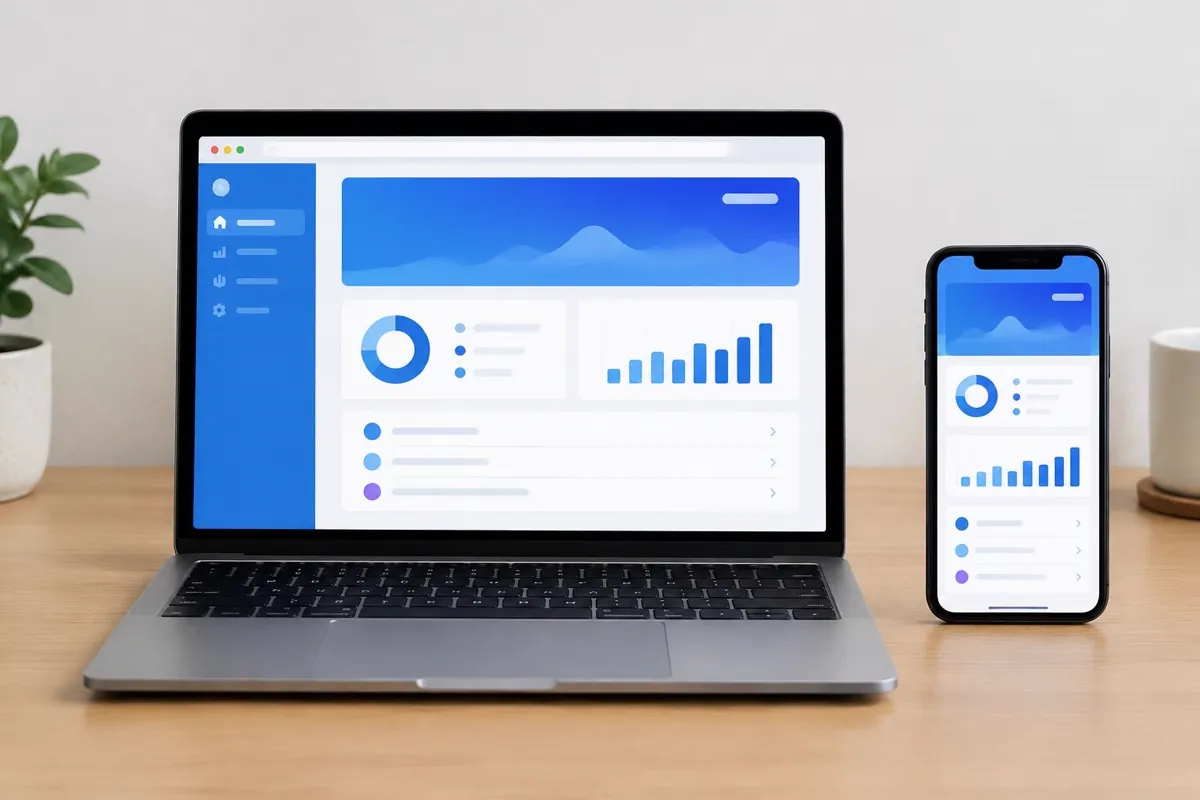
Compare the user task, not the label
A web application runs through a browser, while a mobile application is installed on a device. Both can support accounts, data and business workflows. The important question is how people will use the product and what helps them complete their task.
Consider whether users need occasional access through a link or expect frequent use from their phone. Identify any workplace devices and access restrictions. A customer portal used across desktop computers may have different requirements from a field tool used on a mobile device.
Identify device and connectivity requirements
A mobile application may be useful when the workflow depends on specific device capabilities or a carefully designed offline experience. A web application can also support some device features, but capabilities and behaviour vary with browsers and operating systems.
Document permissions, notifications, camera use and connectivity expectations rather than assuming they work the same everywhere. Ask the development team to assess feasibility against the devices your audience uses. Offline behaviour is a requirement to design, not a feature to add by name.
Consider releases and ongoing support
Web applications can be accessed without an app-store installation, though they still require browser testing, hosting and maintenance. Mobile releases introduce store processes, supported operating-system versions and platform-specific testing.
A cross-platform build may share code across iOS and Android but still needs appropriate behaviour on each. Compare total responsibilities, not only the first development estimate. Include integrations, account ownership and the plan for future updates in the discussion.
Prepare a requirements-led decision
Write down users, primary tasks, devices, integrations and known constraints. Compare each delivery option against that list. If the assumptions are uncertain, a prototype or feasibility phase can help clarify the scope before committing to the full build.
Explore our web app development and mobile app development services for the different project scopes. The appropriate first build is the one that supports the useful workflow and can be maintained, not the option with the longest feature list.
Explore the next step
Web App Development · Mobile App Development · Discuss your project with TechSyncs
TechSyncs publishes practical guides on websites, apps and digital marketing to help businesses make informed project decisions.