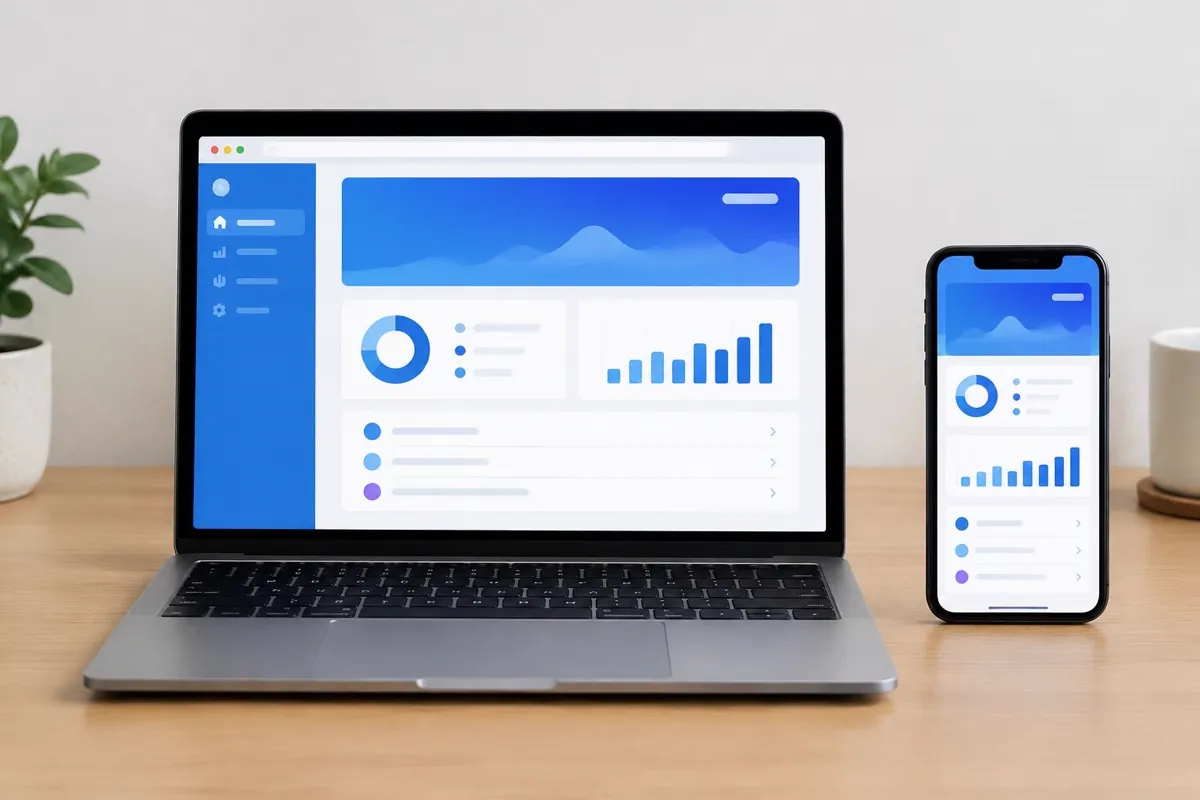
Decide how people will reach the product
Picture a purchasing manager opening a supplier portal from an email at a desktop computer. Now picture a field technician documenting work from a phone inside a building with unreliable reception. Both need software, but their access patterns point to different trade-offs.
A browser-based application lets users start from a link without an app-store installation. An installed mobile app can suit repeated phone use and workflows requiring deeper device integration. Neither approach is inherently more professional or more suitable for every US business.
Test the requirement most likely to change the decision
Build a small technical experiment around the hardest dependency before selecting a delivery model. That might be scanning equipment labels, accepting payments through a provider, or synchronizing records after a disconnected shift.
- List the browsers, operating systems, and devices users actually have.
- Identify required camera, location, notification, or file capabilities.
- Specify what remains available without a connection.
- Define how conflicting updates are resolved after reconnection.
Web apps can support some installation, notification, and offline features, but behavior varies across platforms. Native apps also need deliberate offline architecture; installation does not automatically make data available without a network. Validate the specific workflow rather than relying on a feature label.
Compare the operating responsibilities
A web application needs hosting, browser testing, security updates, and controlled deployments. A mobile application adds distribution processes, device testing, store requirements, and supported operating-system decisions. Cross-platform frameworks can share code but do not eliminate platform-specific work.
Ask who controls source code, infrastructure accounts, certificates, and developer accounts. Include support, dependency updates, and integration maintenance in the comparison. Evaluate how quickly urgent changes can reach users and what happens when someone keeps an older mobile version installed.
Make risk part of the business case
Document what customer or employee data the product handles. A technician's location history, for example, raises questions about collection, access, retention, and employee notices. Applicable US requirements depend on the information, industry, and jurisdiction; seek qualified advice before assuming one technical approach resolves them.
Then compare realistic options against the same acceptance criteria. TechSyncs' web app development and mobile app development services provide starting points for defining the project. Choose the first build that serves the essential task and can be supported responsibly, leaving room to add another delivery channel when evidence supports it.
TechSyncs publishes practical guides on websites, apps and digital marketing to help businesses make informed project decisions.