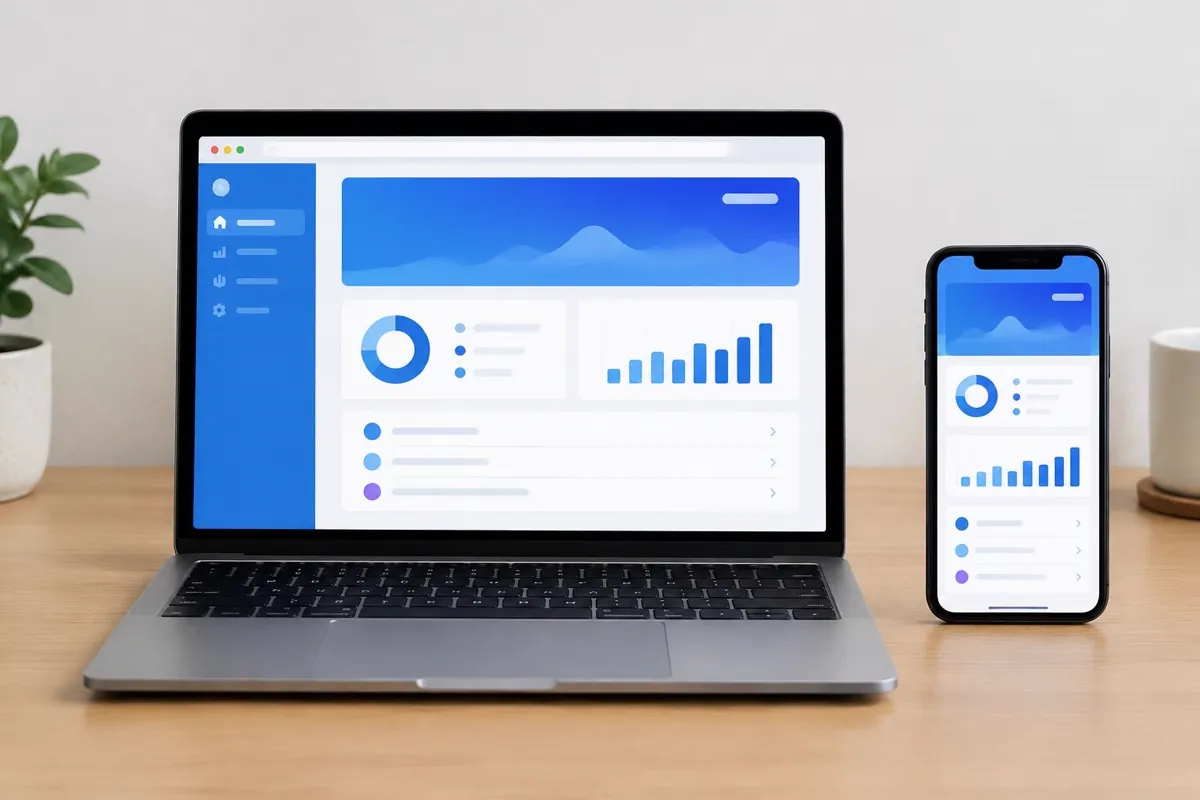
Choose around the task people must complete
A browser-based product and an installed mobile app can both handle accounts, orders and internal processes. The useful distinction is how each fits the intended work. Start with the people using the system, their devices and the situations in which they will need access.
An Islamabad consultancy sharing an occasional client portal may benefit from access through a link. A field team recording visits throughout the day may have different needs. Neither example decides the technology alone; frequency, workplace restrictions and the required interactions should shape the brief.
Investigate connectivity and device capabilities
Camera capture, location permissions and offline work can affect the choice of delivery platform. Browsers support some device functions, but implementation varies. For customers or staff moving between different connections in Pakistan, specify what happens when a session loses connectivity partway through a task.
Ask for a feasibility assessment on representative devices rather than assuming every feature behaves identically. Define which information can be stored locally, when it synchronises and how conflicting changes are resolved. Offline support needs explicit design, security decisions and testing, not merely a checkbox in a proposal.
Account for updates after the first release
A web application avoids a store installation step, but still needs secure hosting, browser compatibility checks and maintenance. Installed mobile products require attention to store policies and supported operating systems. Compare these operational commitments alongside the convenience each approach offers to users.
Cross-platform development may reduce duplicated implementation, yet Android and iOS still require appropriate testing. Confirm who owns accounts, manages releases and supports third-party integrations. If local payment services are required, verify their supported integration options rather than assuming the same approach works on every platform.
Use a written brief to compare the options
Document the audience, main journeys, devices, existing systems and constraints. Assess each possible build against those requirements. Where uncertainty could change the decision, test a prototype or technical integration first instead of committing to a broad feature list based on unverified assumptions.
TechSyncs web application and mobile development services cover different delivery needs. Discuss what the business must operate and maintain as well as what customers will see. A suitable first build supports the essential workflow and gives the team a realistic path for future improvements.
Plan your next move
Web App Development · Mobile App Development · Talk through your requirements with TechSyncs
Use a decision checklist, not a platform preference
Compare browser delivery and installed apps against the same workflow. Score requirements as necessary, useful or unnecessary; avoid turning that assessment into a claim that one technology always wins. A feature available in principle may still need a feasibility test on the devices your users actually have.
- Access: will people follow an occasional link or use the tool repeatedly?
- Devices: are browser access, camera use, location or notifications essential?
- Connectivity: what must remain possible when a connection drops?
- Distribution: can users install an app, and who manages store accounts?
- Updates: who supports browser changes, operating-system releases and integrations?
- Security: what data is stored locally and who may view or change it?
Example: occasional portal access versus daily fieldwork
A hypothetical client portal used once a month might benefit from a browser link and no installation step. A fieldwork tool used throughout the day could need camera capture, local drafts and later synchronisation. These examples illustrate different questions, not a recommendation for every organisation. A prototype should test the uncertain requirements before the scope commits to a platform.
Describe a dropped connection in detail: can the user continue, is a draft stored, and how do they know whether a submission succeeded? If two users update the same record offline, decide how to handle conflicts. Include data protection and shared-device risks in this discussion. Offline support is a designed workflow with acceptance checks, not an automatic consequence of choosing a mobile app.
Choose the smallest useful first release
Keep the first release focused on a complete task and its necessary error handling. Additional platforms, dashboards and features can expand implementation and support work even when some code is shared. Document what remains unresolved and what evidence would change the decision.
Compare web application development services with mobile app development services in Pakistan, or assess cross-platform app development. Use the MVP planning guide to turn the chosen workflow into a testable brief rather than a long wish list.
TechSyncs publishes practical guides on websites, apps and digital marketing to help businesses make informed project decisions.